Dictating in German and other languages
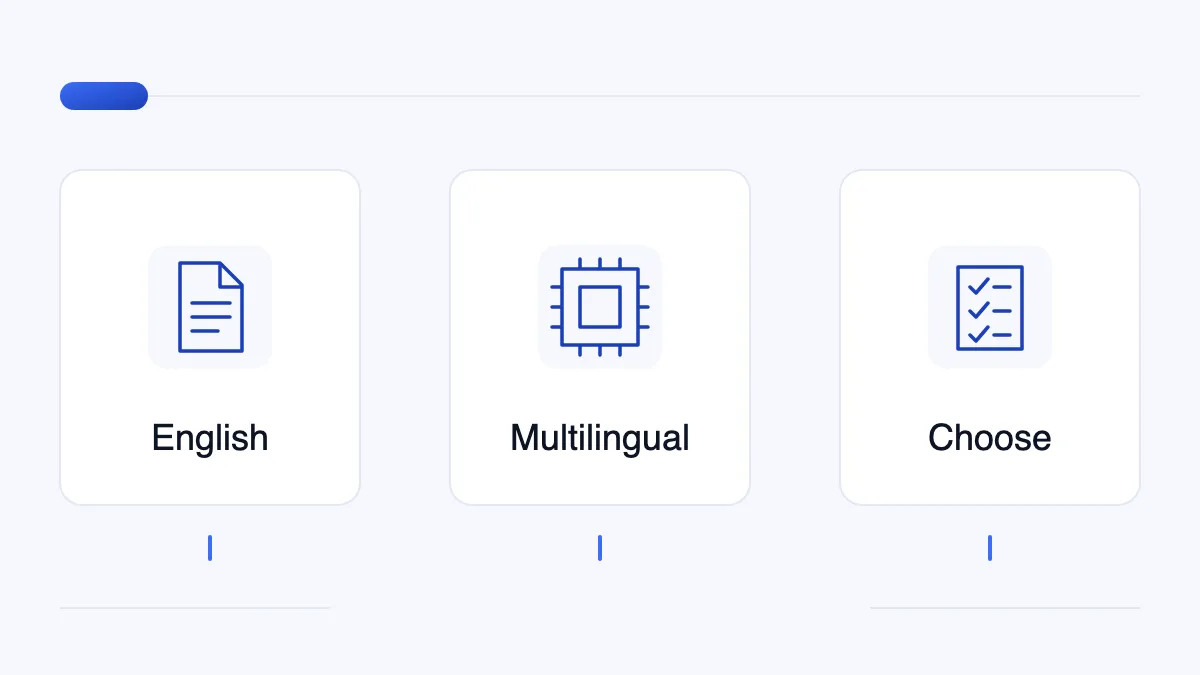
For German dictation in Secretary42, choose a multilingual model: Medium or Large v3. Use the same model requirement for other languages beyond English. Tiny, Base and Small are English-only. Make that choice before your first draft, then try a short, harmless passage in the language you intend to use. Review the transcript yourself before deciding how to include dictation in your writing routine.
Select a multilingual model deliberately
Medium is about 515 MB and Large v3 about 1.1 GB. Those are approximate download sizes for the bundled quantized models. Medium offers higher accuracy with slower processing than the smaller options; Large v3 is the maximum-accuracy, slowest option in the list. Larger models need more disk space and processing time. Compare the two suitable choices on the computer you intend to use.
Small is the recommended default for a balance of speed and quality, but it is English-only. Do not carry that default into a German writing session. Select Medium or Large v3 in the control panel, where you can download, select and remove models. Prepare the one you want before beginning the passage you actually intend to keep.
Prepare the session while connected
Models download on demand and are stored locally. Dictation works offline once you have downloaded a model and activated your license. Activation, model downloads and updates need an internet connection. Complete those steps before planning an offline German session, and try your chosen model while you still have an opportunity to adjust the setup.
Check the device requirements as well: macOS 13 Ventura or later on Apple Silicon, or Windows 10 or 11 on an x64 PC with AVX2. Secretary42 needs microphone access and, on macOS, Accessibility access for pasting into other apps. Use the actual computer and destination you plan to write with for your first test.
Review the words in your own passage
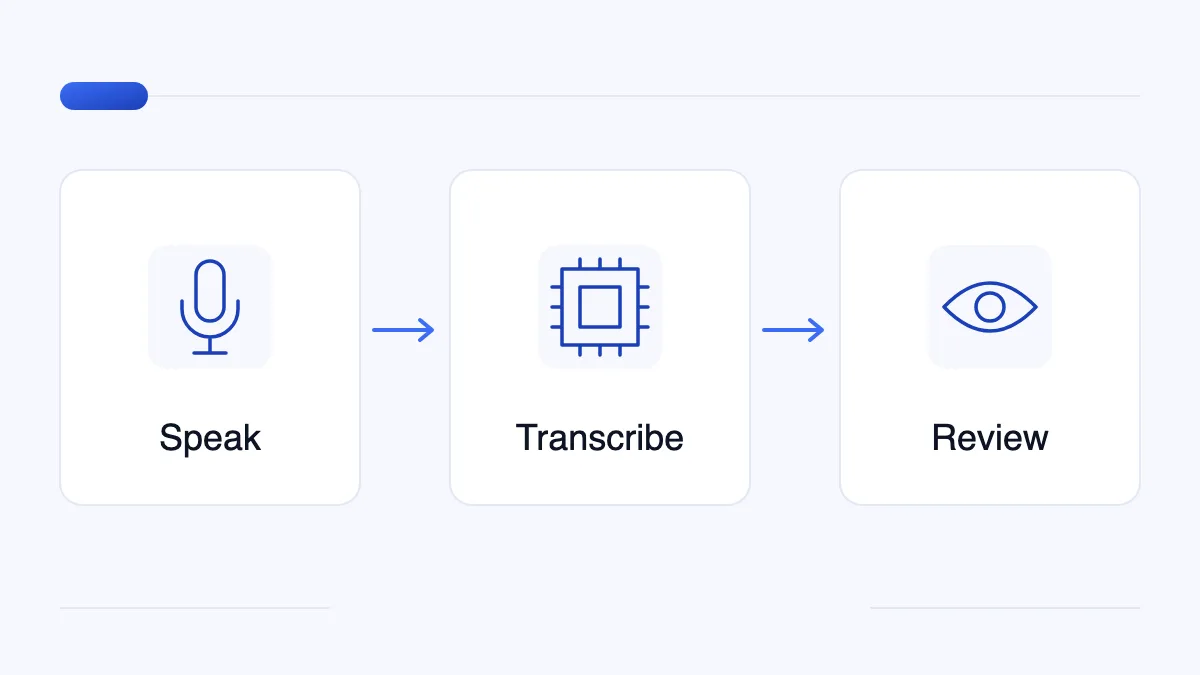
Choose a short passage with the kind of names, terms and sentences you expect to use. Dictate it, stop and compare the transcript with what you intended to say. Review names and important details individually. Try another short passage before committing to a longer draft. Use your own assessment of these results when deciding which suitable model to keep.
Secretary42 does not offer AI rewriting or editing. Read the transcript as a draft for you to edit, and make the final wording decisions yourself. If a phrase is not what you meant, correct it before using the text. Keep your first exercise focused on one language and one writing task rather than assuming capabilities you have not tested.
Choose the destination and what to retain
The app can paste at your cursor or route text to the clipboard or a file. It also stores past transcriptions locally in SQLite, where you can view, copy or delete them. Choose the destination before dictating, then review the draft there. After the exercise, decide whether to keep the corresponding history entry or delete it.
If you paste the transcript into a cloud app, that app sends it like any typed text. For confidential or professional writing, compare the intended destination and your requirements with the product limits. Secretary42 offers no B2B contract or data-processing agreement. Use a harmless test passage until you have made that decision for the material you intend to dictate.
Begin with a prepared passage
Use the Whisper dictation guide to review model choices and the offline dictation guide to prepare a session. Select Medium or Large v3 for German or other languages, try a short passage and edit the words before using them.
Try Secretary42 on your Mac or Windows PC
Secretary42 transcribes your speech on your own device with local Whisper models — no cloud transcription. It runs on macOS 13 or later (Apple Silicon) and Windows 10 or 11 (x64 with AVX2).
€9.99 per month or €99.99 per year. Prices include VAT for EU customers; Paddle shows the final amount before you pay. One subscription covers macOS and Windows, on up to three of your own devices.