Secretary42 blog
Articles on private, offline dictation for Mac and Windows.
Where your dictation goes: what stays on your device and what goes online
What Secretary42 keeps on your device, which services use the internet, and what happens when you paste dictated text into a cloud app.
Who Secretary42 is for — and who it is not for
Check the dictation workflow, supported devices and product limits before deciding whether Secretary42 suits your writing.
Your local transcription history: keep, copy, delete
Review the transcriptions stored locally in Secretary42, choose what to retain and check the destination when copying text elsewhere.
Dictating in shared spaces: offices, home, cafés
Choose whether speaking suits the space, use a short harmless test and review the transcript and destination before continuing.
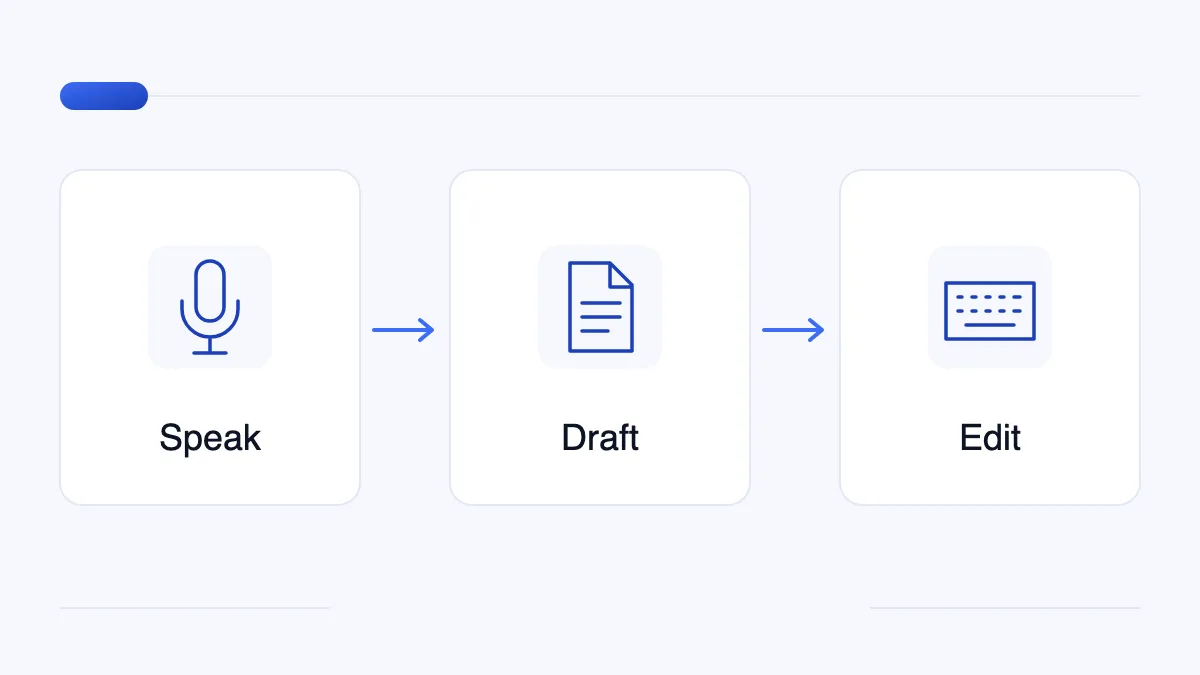
First draft by voice, final edit by keyboard
Try a two-part writing routine: dictate a short draft, then make the structure, wording and final checks yourself.
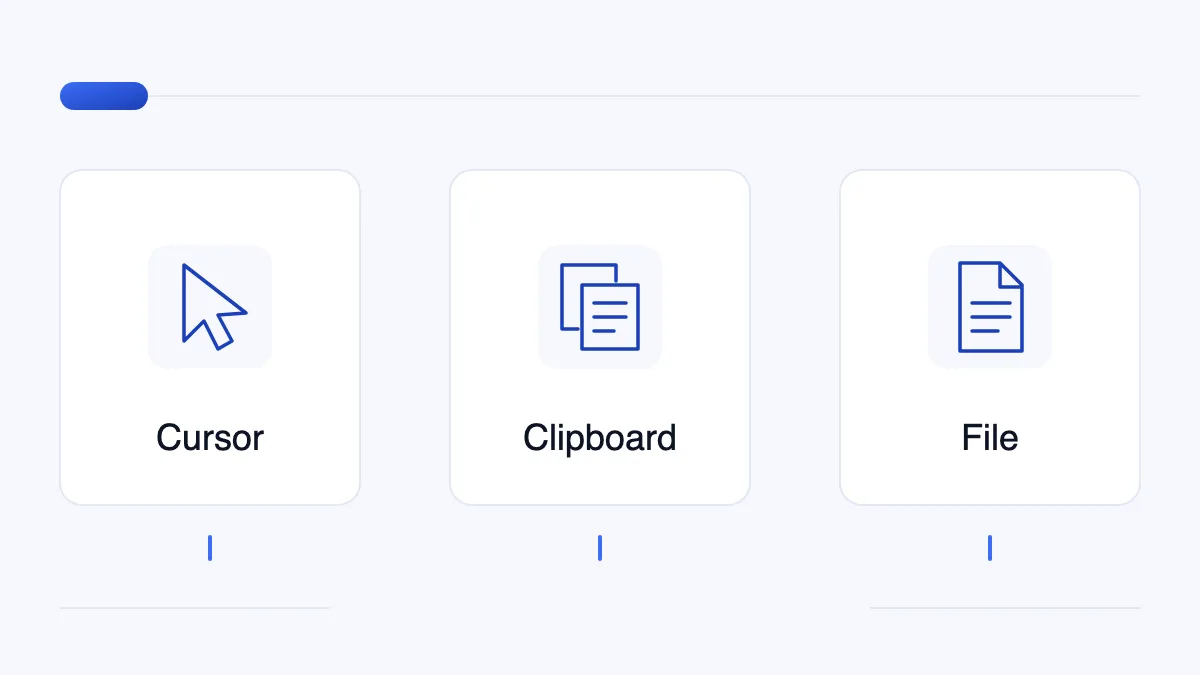
Paste, clipboard or file: where your dictated text goes
Choose the transcript destination before speaking, then review what happens when you put the text into another app.
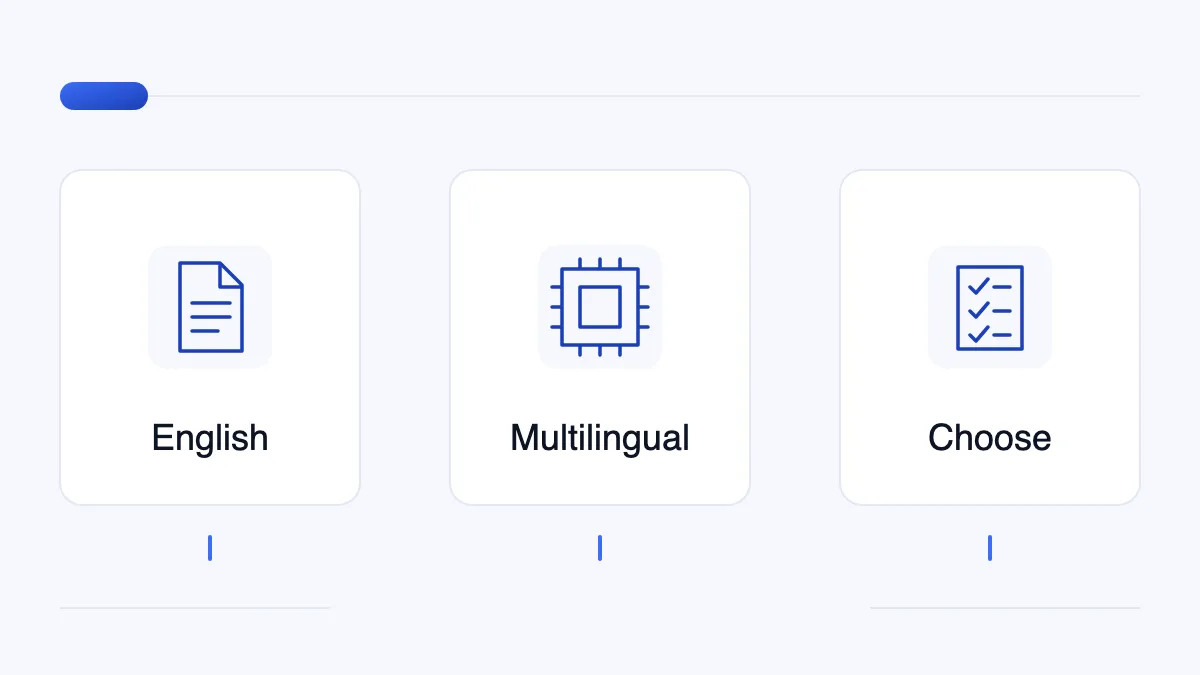
Dictating in German and other languages
For German and other languages, select Medium or Large v3. Prepare the model and review a short passage before your first draft.
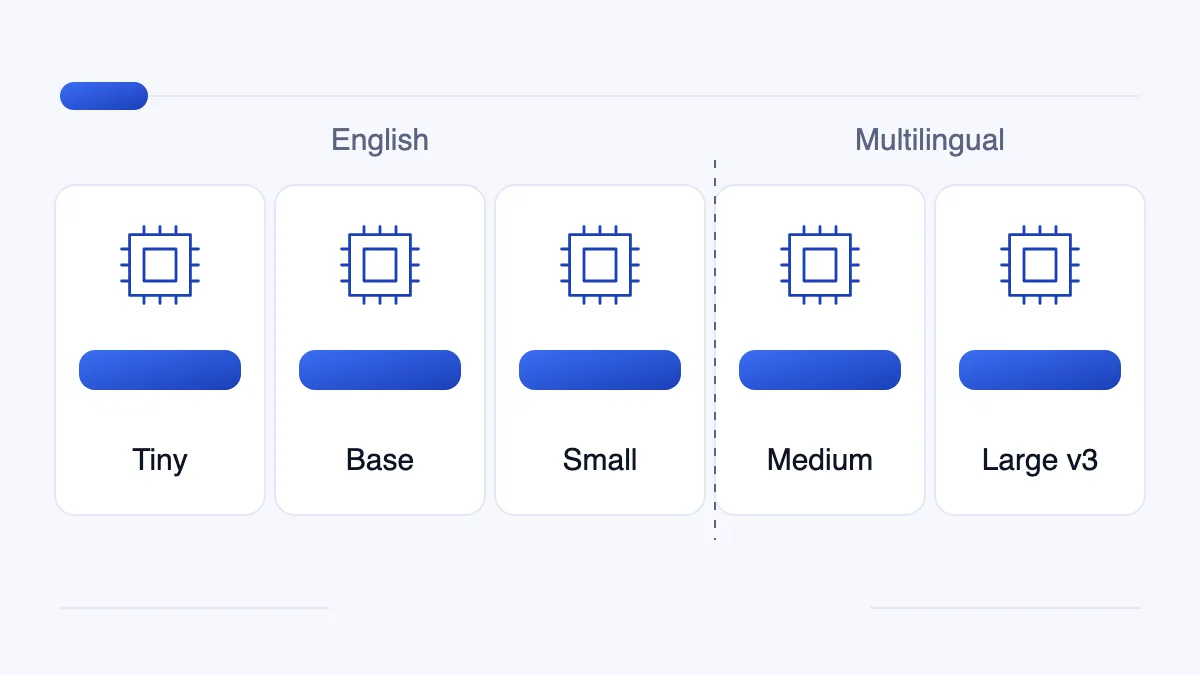
Choosing a Whisper model: speed or accuracy
Choose the language first, then compare the model sizes and speed-and-quality trade-off for your own writing.
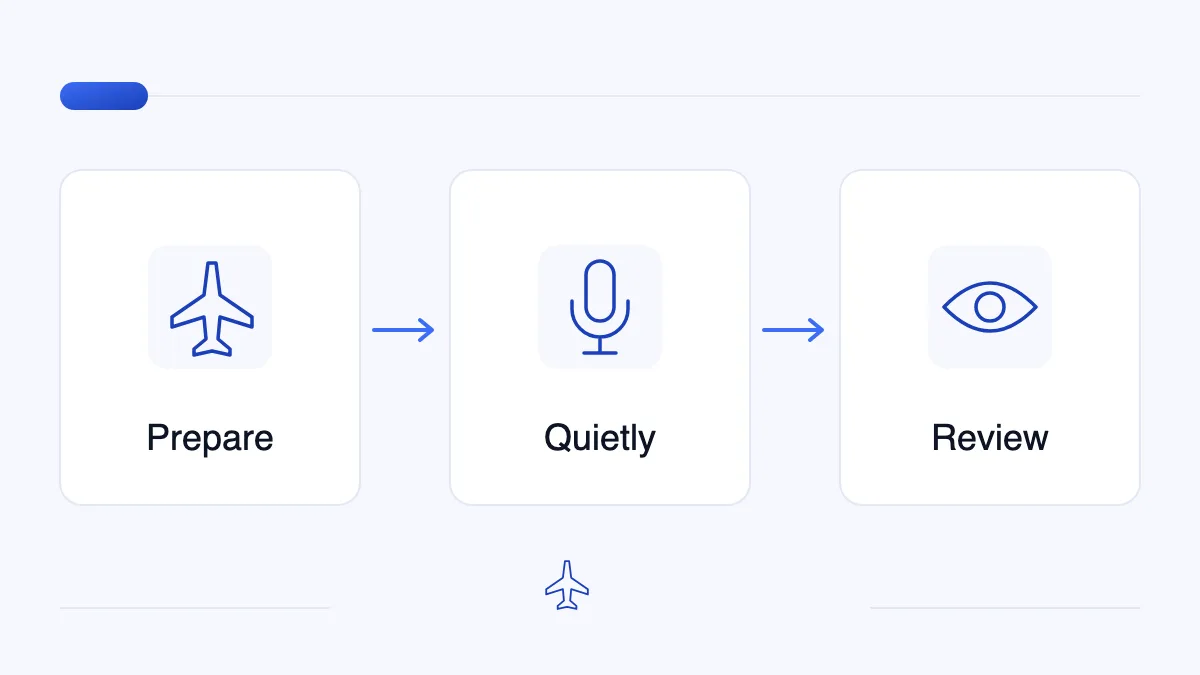
Writing on a plane: dictation without Wi-Fi
Activate and download a model before the trip. Prepare a small draft, speak quietly and choose whether dictation suits your seat.
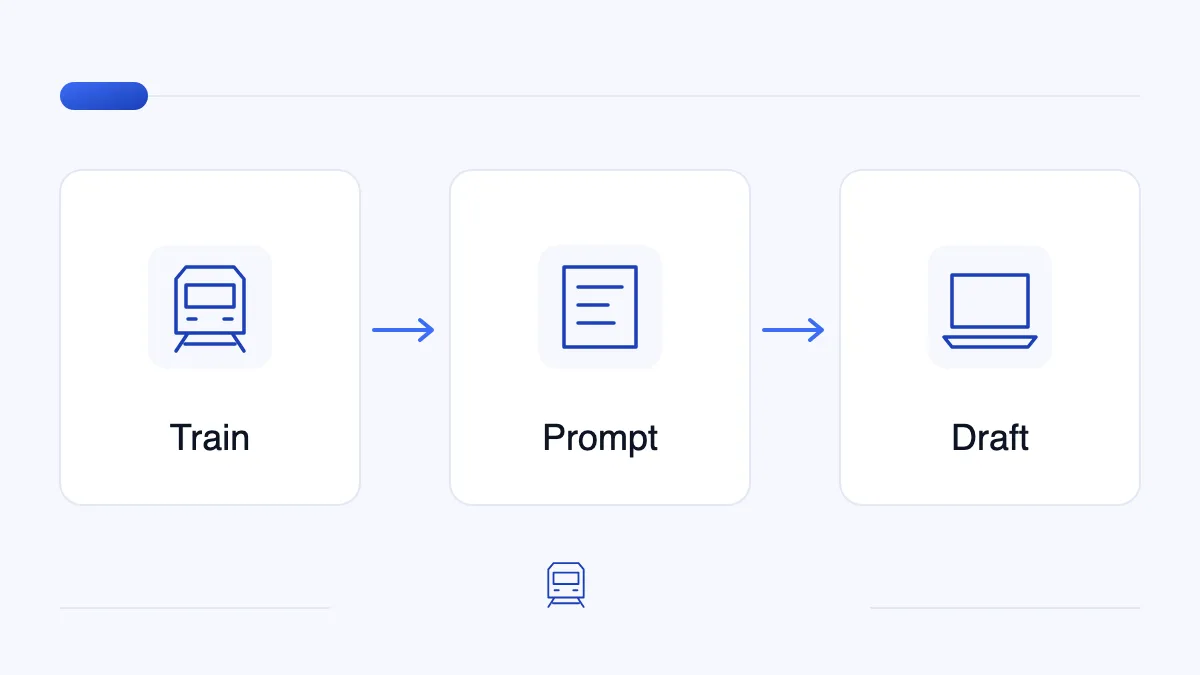
Writing on a train without a signal
Prepare a model, activation and a text destination before a train journey, then try a short offline writing session.
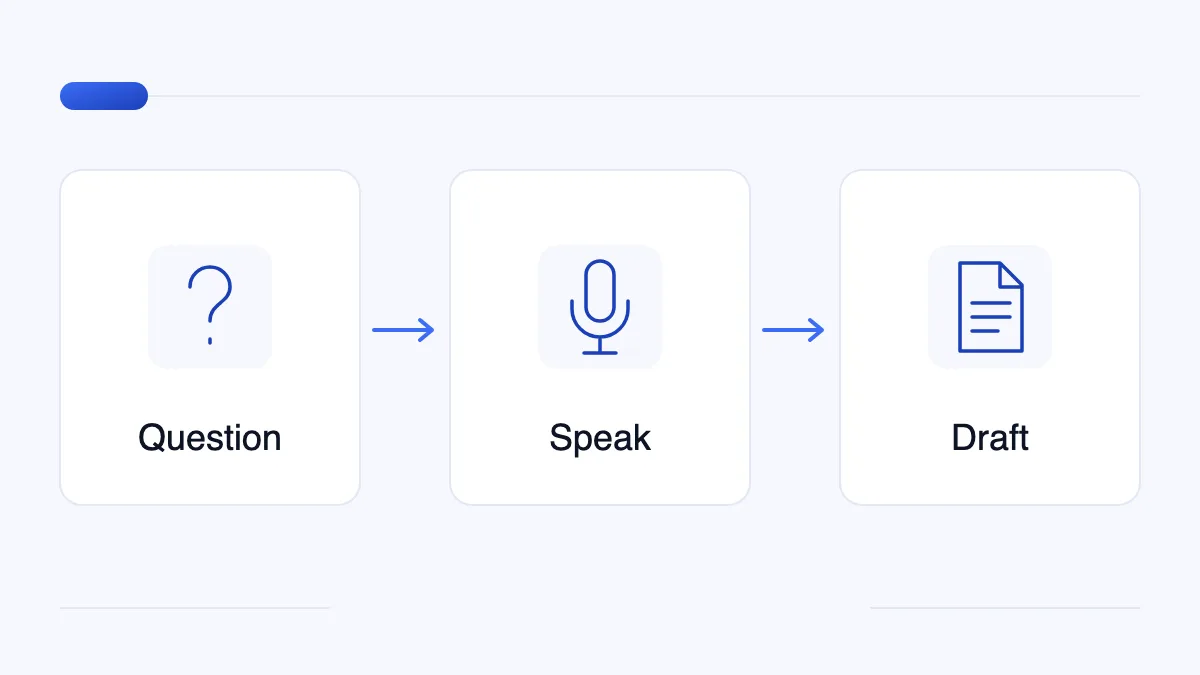
Think out loud: dictating a first draft to clear your thinking
Try a deliberate first-draft method: state a question, speak a rough answer, then review and edit the words yourself.
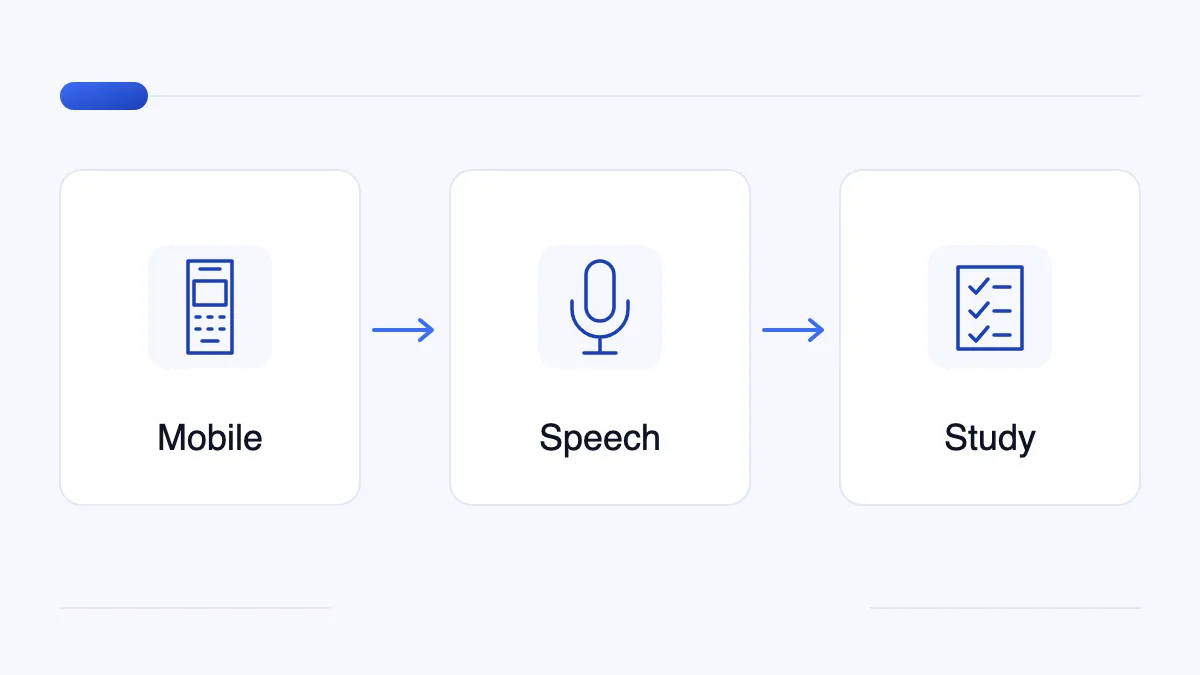
Speaking is faster than typing: what the research says
A 2016 mobile study found faster speech entry. Read its conditions and caveats before applying the result to your own writing.
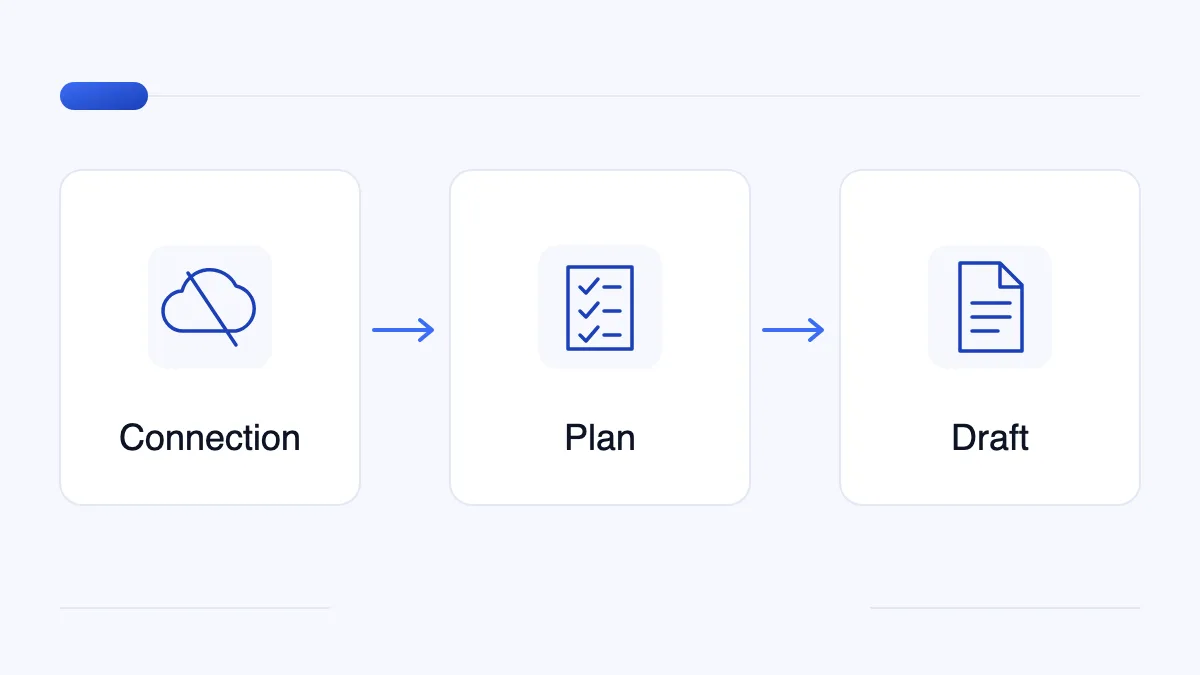
When the cloud goes down: what still works
Prepare activation and a model before an outage, then distinguish local transcription from the destination where you use the text.
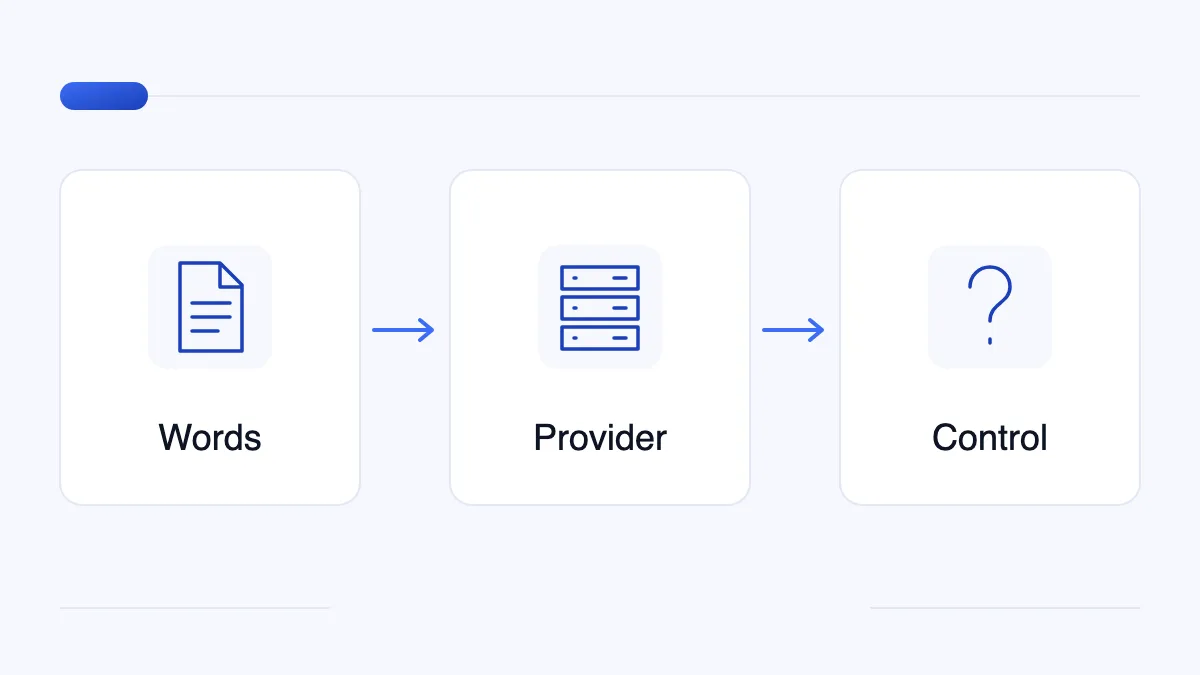
Data sovereignty: who can reach your words?
Consider provider control, changing transfer frameworks and your text destination without treating local dictation as a compliance claim.
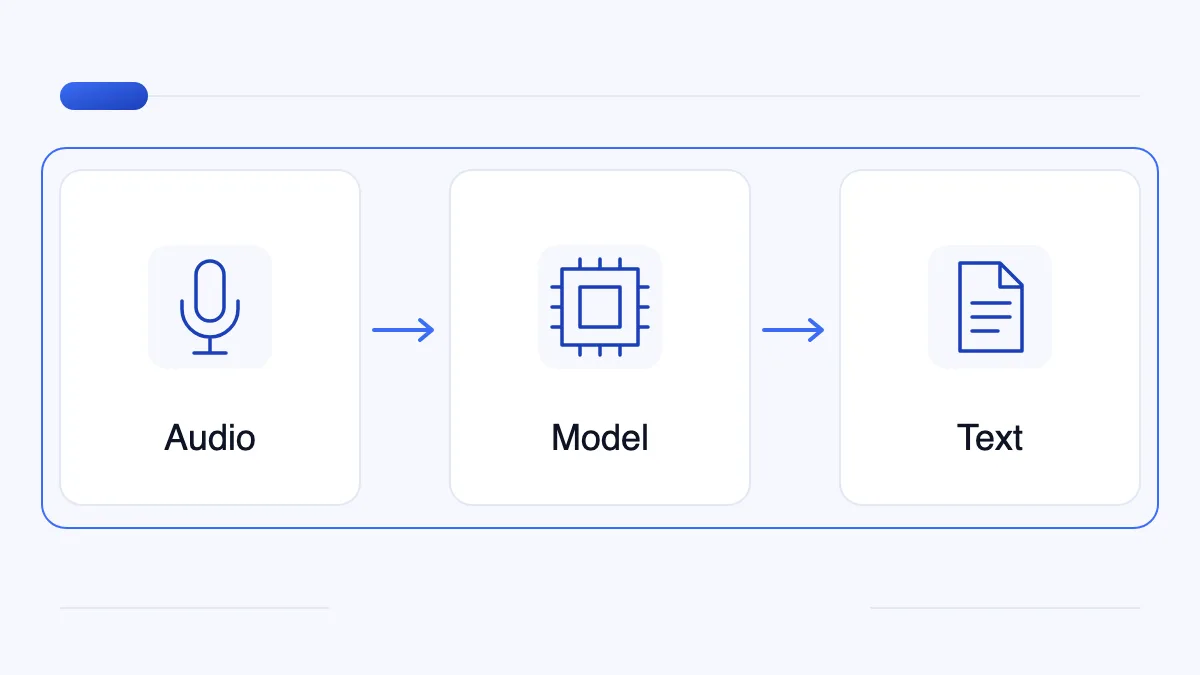
Local first: why on-device transcription matters
Look at the transcription engine, model preparation and device requirements when choosing a local dictation workflow.
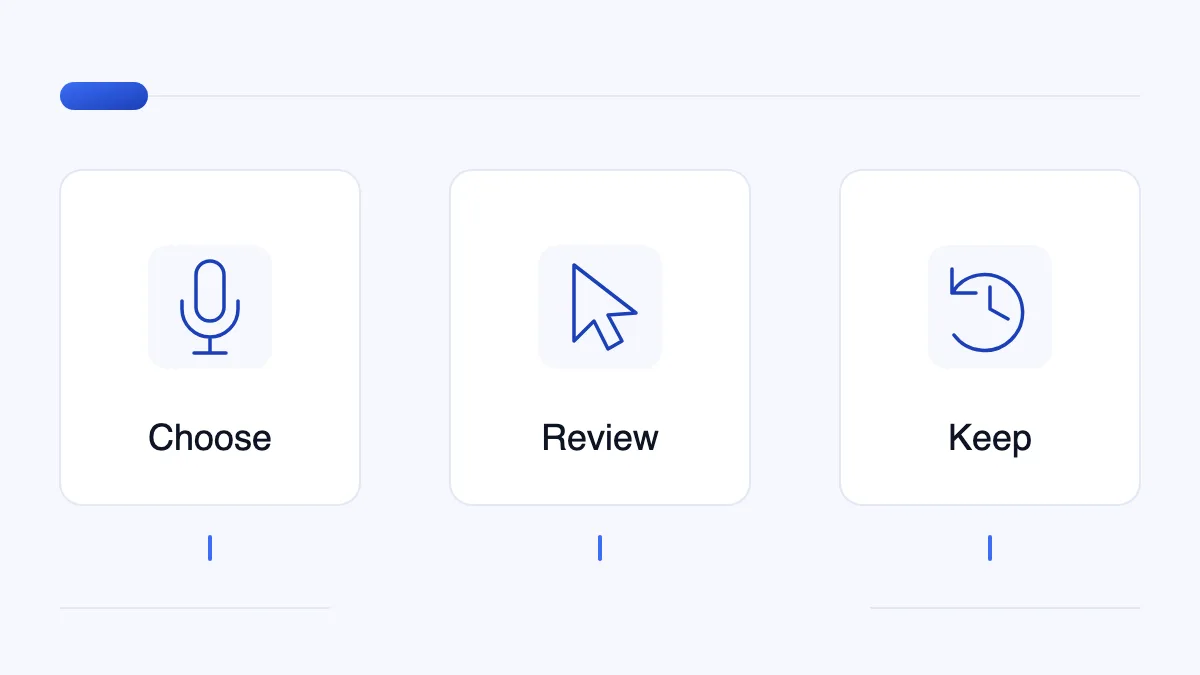
Why privacy matters when you dictate
Choose what you say, where the transcript lands and what you keep. A practical privacy routine for dictation with Secretary42.
Try Secretary42 on your Mac or Windows PC
Secretary42 transcribes your speech on your own device with local Whisper models — no cloud transcription. It runs on macOS 13 or later (Apple Silicon) and Windows 10 or 11 (x64 with AVX2).
€9.99 per month or €99.99 per year. Prices include VAT for EU customers; Paddle shows the final amount before you pay. One subscription covers macOS and Windows, on up to three of your own devices.