Writing on a train without a signal
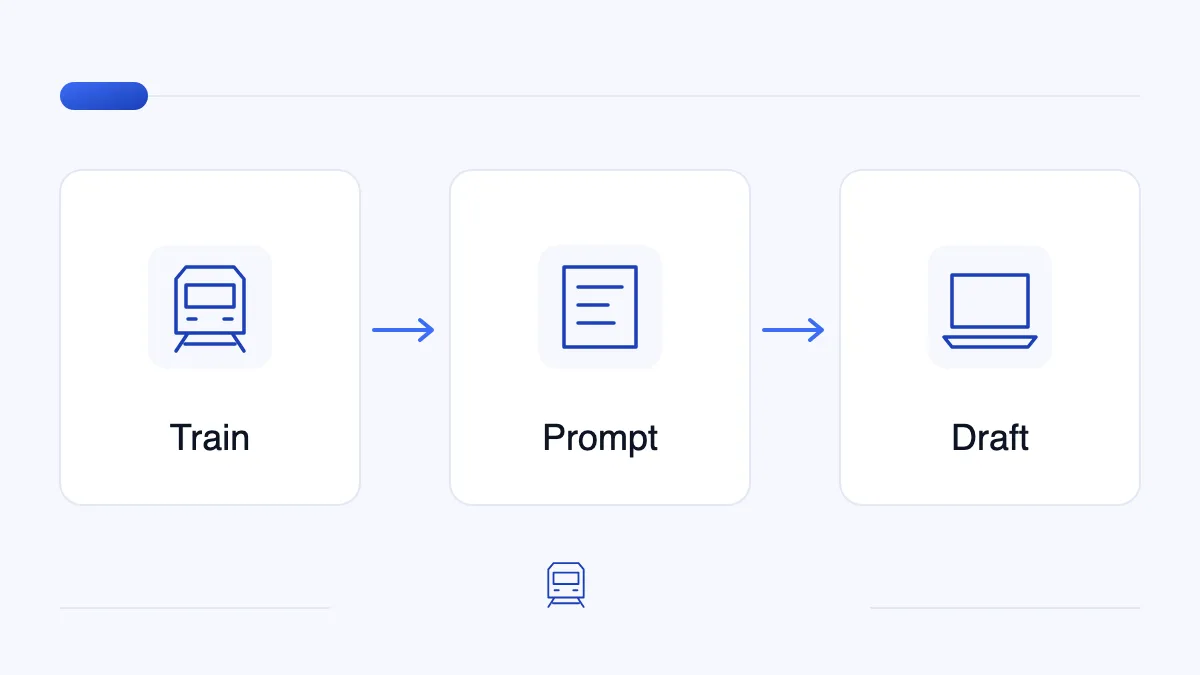
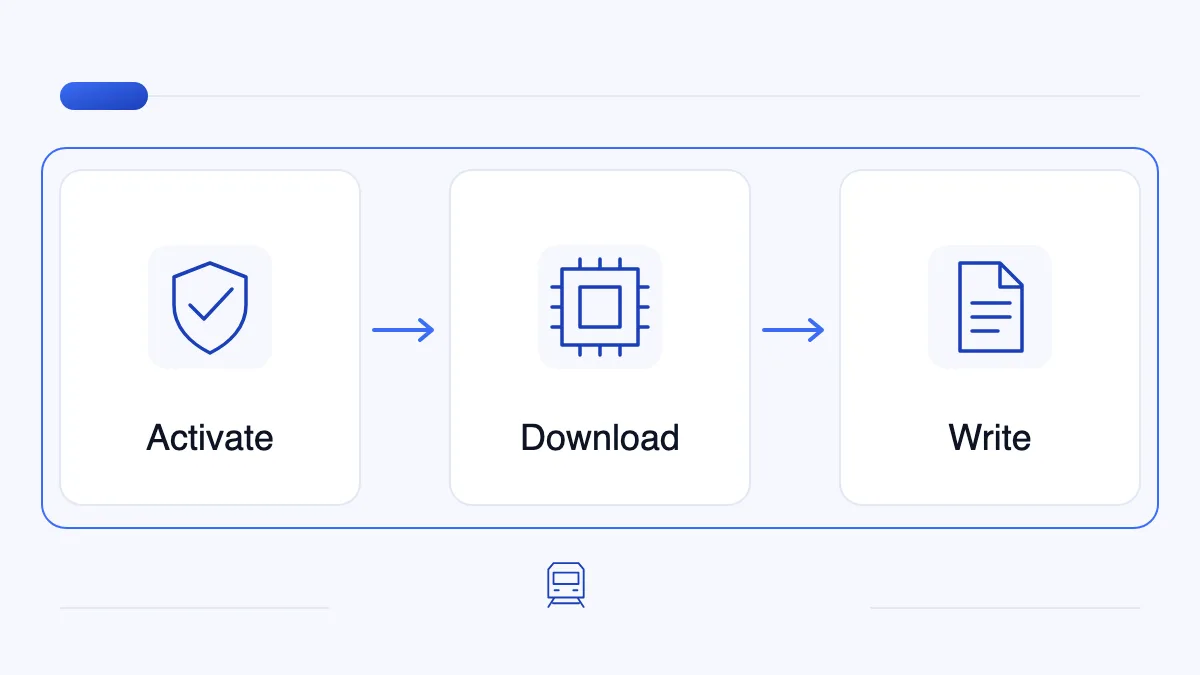
For a train journey without a signal, prepare the writing session before you leave. Choose a short piece of your own work, a suitable model and a place for the transcript. Secretary42 can dictate offline once you have downloaded a model and activated your license. Use that specific capability as the basis of your plan, and keep the first journey exercise small enough to review before moving on to another draft.
Prepare the computer you will take
Secretary42 supports macOS 13 Ventura or later on Apple Silicon, and Windows 10 or 11 on x64 PCs with AVX2. It needs microphone access and, on macOS, Accessibility access to paste into other apps. Check these requirements on the computer you plan to carry. Try the hotkey and your chosen destination before packing for the journey.
Checkout, license delivery and activation, periodic license checks, model downloads and updates need internet access. Complete activation and download a model while connected. A license check that cannot reach the service does not stop you working; your license stays valid for its remaining period. Plan the trip within that period rather than treating offline dictation as an unlimited license extension.
Choose the language before choosing the model
For English, Small is the recommended default for a balance of speed and quality. For German and other languages, choose Medium or Large v3. Tiny, Base and Small are English-only. Prepare the model for the language of the draft you actually intend to write, then try it with a harmless paragraph before the trip.
Medium is approximately 515 MB and Large v3 about 1.1 GB; larger models need more disk space and processing time. Models are downloaded on demand and stored locally, with download, selection and removal available in the control panel. Make your selection before departure rather than leaving a new model download as part of the journey plan.
Give the session a small purpose
Choose one paragraph, a short outline or an answer to a question in your own notes. Write a prompt for yourself before dictating. Try a brief passage first and read it before recording more. If speaking does not suit the space around you, use the keyboard for that part of the journey and save the dictation exercise for another setting.
Speak quietly, mind the people around you and leave out details you have not decided to say in a shared space. Do not make the exercise depend on speaking for the whole journey. Start and stop dictation with the global hotkey, then review your words. Secretary42 does not offer AI rewriting or editing, so make the final wording decisions yourself.
Choose what to do with the draft
You can have the transcript pasted at your cursor, routed to the clipboard or sent to a file. Choose the destination before speaking and inspect the result there. If you later paste it into a cloud app, that app sends the text like any typed text. Decide what to move after reviewing the passage, rather than as part of the first recording.
Secretary42 stores past transcriptions locally in SQLite, where you can view, copy or delete them. Before closing your session, choose what to retain in that history. For confidential or professional work, compare your requirements with the fact that Secretary42 offers no B2B contract or data-processing agreement. Use a harmless practice draft if you have not completed that review.
Pack a prepared writing session
Read the offline dictation guide and check the download page for your platform. Before departure, prepare activation, a model and a short prompt. On the journey, choose whether to speak or type, then review the draft before deciding where to use it.
Try Secretary42 on your Mac or Windows PC
Secretary42 transcribes your speech on your own device with local Whisper models — no cloud transcription. It runs on macOS 13 or later (Apple Silicon) and Windows 10 or 11 (x64 with AVX2).
€9.99 per month or €99.99 per year. Prices include VAT for EU customers; Paddle shows the final amount before you pay. One subscription covers macOS and Windows, on up to three of your own devices.