Writing on a plane: dictation without Wi-Fi
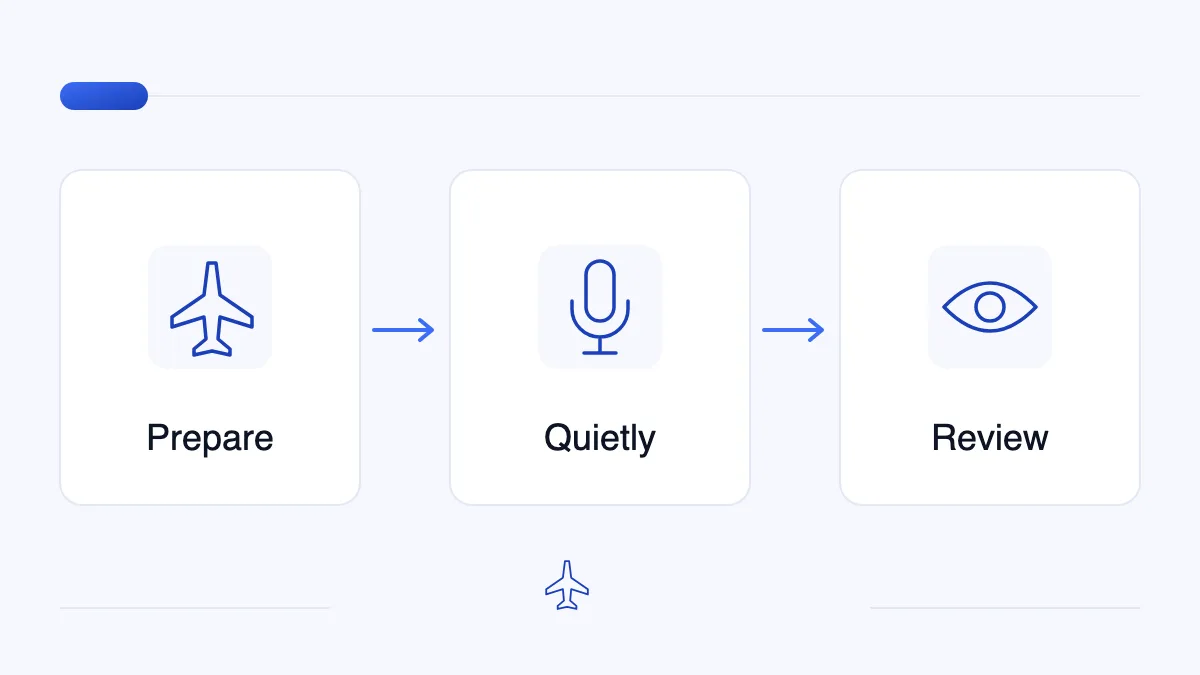
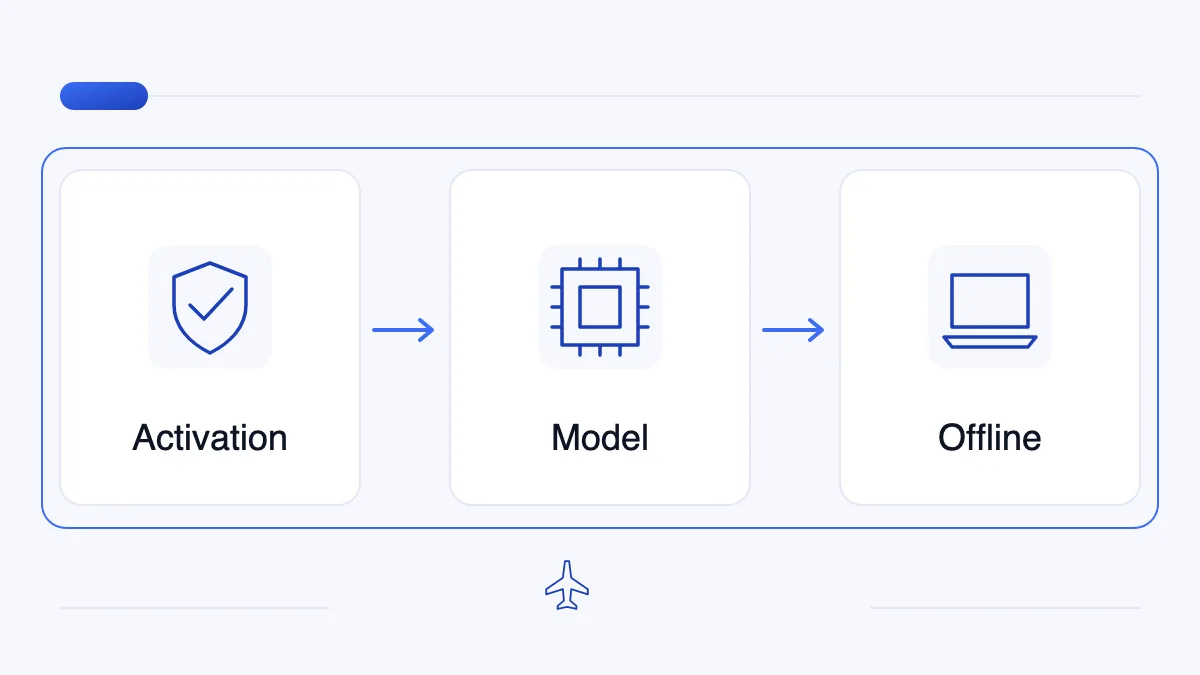
If you want to try dictation on a plane without Wi-Fi, prepare it before the trip. Activate your Secretary42 license, download the model you intend to use and try a short passage on the computer you will take. Dictation works offline after activation and a model download. Keep the plan modest: choose a harmless draft, speak quietly, mind your neighbours and use the keyboard whenever that is the better choice for the setting.
Finish the online steps before departure
Checkout, license delivery and activation, periodic license checks, model downloads and updates need an internet connection. Do not leave activation or the first model download for the flight. Complete them in a connected session, then rehearse dictating and reviewing a short passage with your connection unavailable. Use the rehearsal to check the exact setup you intend to take.
If a license check cannot reach the service, it does not stop you working; your license stays valid for its remaining period. Keep that remaining period in view when planning the trip. Treat any later purchase, model change requiring a download or update as a task to arrange while connected, rather than as part of the offline writing session.
Take the model your language needs
Small is the recommended default for English. Tiny, Base and Small are English-only, while Medium and Large v3 are multilingual options for German and other languages. Medium is about 515 MB and Large v3 about 1.1 GB. Select and download the language-appropriate model before the trip, then try the kind of passage you intend to dictate.
Larger models need more disk space and processing time. Secretary42 supports macOS 13 or later on Apple Silicon, and Windows 10 or 11 on x64 with AVX2. It needs microphone access and, on macOS, Accessibility access for pasting. Check the actual travel computer, including the hotkey and text destination, before making dictation part of your flight plan.
Choose a considerate session
Before starting, decide whether speaking suits your seat and the people around you. Keep your voice quiet and choose a brief, harmless passage. Mind your neighbours, and switch to typing if you would rather not speak there. Leave private names and details out of your practice draft. Save any longer spoken exercise for a setting you have chosen for it.
Use the global hotkey to start and stop dictation. Secretary42 records only when you start it; there is no always-on listening or meeting recording. Keep the exercise about your own words. Dictate one short section, stop and read it before continuing. Do the editing yourself: the app does not offer AI rewriting or editing.
Decide where the draft belongs
Secretary42 can paste at your cursor or route the transcript to the clipboard or a file. Choose that destination before speaking, and inspect the text there after the recording. Past transcriptions are also stored locally in SQLite, where you can view, copy or delete them. Finish by deciding which history entries you want to keep.
When you paste a transcript into a cloud app, that app sends it like any typed text. Review the draft before deciding where to move it after the session. For professional or confidential material, also consider the absence of a B2B contract or data-processing agreement. Compare that product limit with your requirements before choosing what to dictate.
Prepare before you travel
Use the offline dictation guide for the setup and the Whisper dictation guide for model choices. Prepare activation and a model before departure. During the trip, choose a considerate moment, review each short draft and decide whether to continue by voice or keyboard.
Try Secretary42 on your Mac or Windows PC
Secretary42 transcribes your speech on your own device with local Whisper models — no cloud transcription. It runs on macOS 13 or later (Apple Silicon) and Windows 10 or 11 (x64 with AVX2).
€9.99 per month or €99.99 per year. Prices include VAT for EU customers; Paddle shows the final amount before you pay. One subscription covers macOS and Windows, on up to three of your own devices.