Think out loud: dictating a first draft to clear your thinking
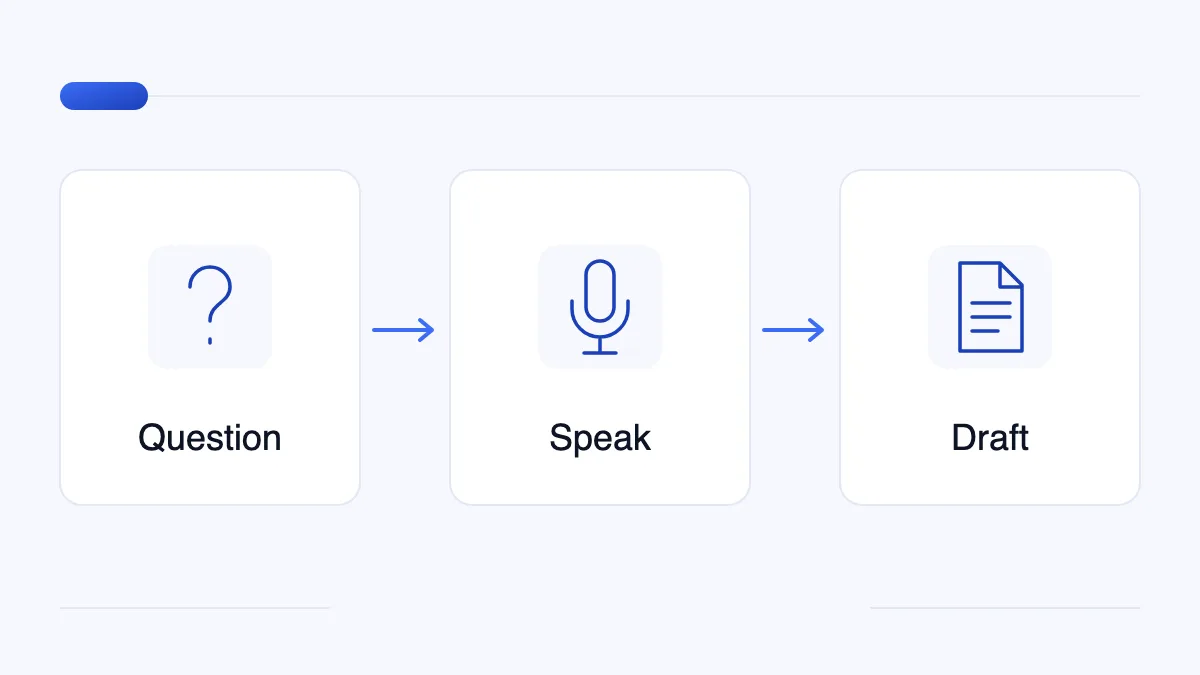
Try this as a writing exercise: choose a question, speak a rough answer and edit the transcript yourself. Use “clear your thinking” as an aim for the session, rather than a promise about what speaking does to your mind. With Secretary42, you start and stop dictation with a global hotkey and transcribe on your device. Give the exercise a narrow purpose, then decide for yourself whether the resulting draft is useful.
Begin with one question
Write a question at the top of your draft, such as “What do I want the reader to do next?” Choose one part of your own work to answer. Leave the rest for another session. Before speaking, choose a destination for the text: Secretary42 can paste at your cursor or route the result to the clipboard or a file.
For the first attempt, choose a harmless subject and limit yourself to a short passage. State your current answer in your own words. Include any uncertainty you want to return to, but do not try to settle every question during this one recording. Stop dictation when you have reached the end of that answer and read what you have written.
Separate the rough answer from the next decision
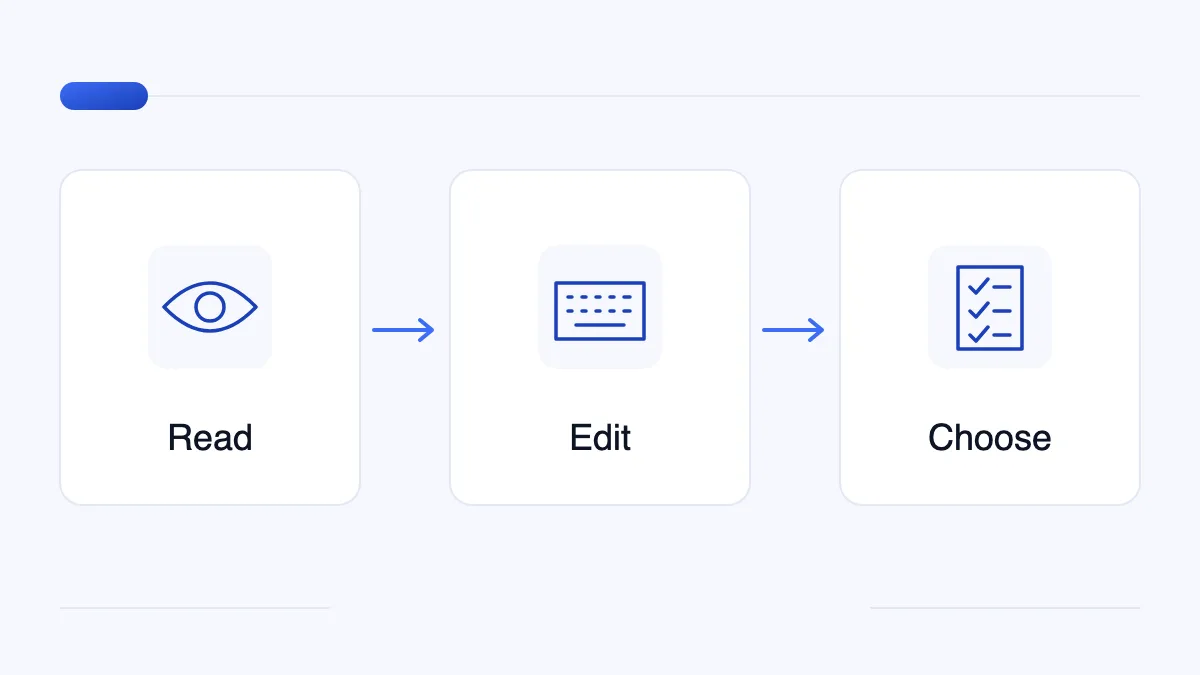
On the first review, mark the sentence you most want to keep. Look for a missing example, an unexplained term or a question you have left open. Choose one of those items for another short dictation. Treat this as a sequence of drafts, and decide after each one whether to continue speaking or move to the keyboard.
Secretary42 does not offer AI rewriting or editing. Do the restructuring yourself: move the useful sentence, remove the repeated point and rewrite any passage you would not want a reader to see. Do not ask the app to turn your rough answer into a finished argument. Use the transcript as material for your own next editing decision.
Make the model choice before the exercise
Small is the recommended default for English, balancing speed and quality. Tiny, Base and Small are English-only; German and other languages require Medium or Large v3. Larger models need more disk space and processing time. Choose for the language you plan to use, and try a short passage before beginning the draft you actually want to keep.
Dictation works offline once you have activated your license and downloaded a model. Activation, model downloads and updates need an internet connection. Prepare those steps before an offline writing session. Check the device too: Secretary42 supports macOS 13 or later on Apple Silicon, and Windows 10 or 11 on x64 PCs with AVX2.
Finish with a decision about the text
Read the draft as if you were its intended reader. Check the point you meant to make, then check the words you actually put on the page. Verify any facts before using them. Choose whether to keep the passage, start another version or discard it. End the exercise with that choice instead of treating the first transcript as your final answer.
Past transcriptions are kept in local history, where you can view, copy or delete them. If you paste the result into a cloud app, that app sends it like any typed text. For professional or confidential material, also consider that Secretary42 offers no B2B contract or data-processing agreement. Review those limits before choosing the subject of your exercise.
Try one short answer
Use the offline dictation guide to prepare your setup. For work involving code, also read the dictation guide for developers. Choose a question, dictate a brief answer and decide what to keep after you have edited it yourself.
Try Secretary42 on your Mac or Windows PC
Secretary42 transcribes your speech on your own device with local Whisper models — no cloud transcription. It runs on macOS 13 or later (Apple Silicon) and Windows 10 or 11 (x64 with AVX2).
€9.99 per month or €99.99 per year. Prices include VAT for EU customers; Paddle shows the final amount before you pay. One subscription covers macOS and Windows, on up to three of your own devices.