Speaking is faster than typing: what the research says
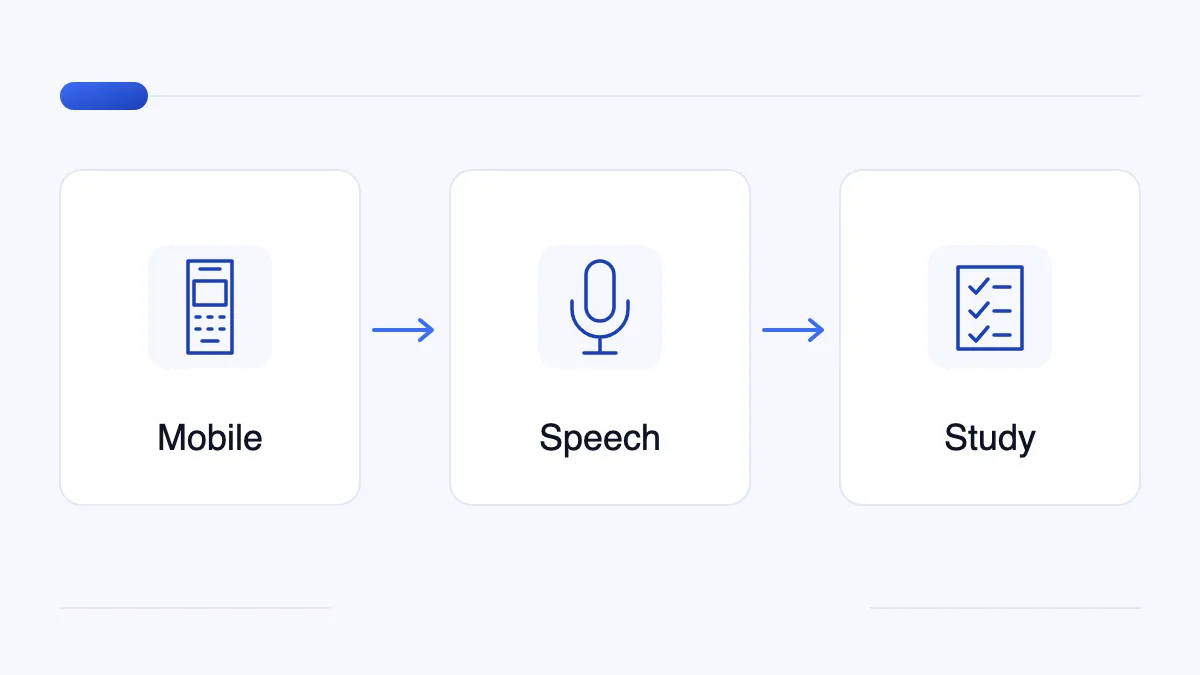
Before using a research headline to choose how you write, look at the task behind the number. A 2016 Stanford study of mobile text entry found speech entry three times faster than typing in English and 2.8 times faster in Mandarin. Those figures came from a phone-keyboard comparison with one cloud speech engine. Read them as results from that experiment, then make a separate assessment of your own desktop dictation workflow.
Read the task before the headline
In the Stanford study, 32 participants aged 19–32 entered about 100 standard phrases using a phone keyboard and a speech-recognition engine. The comparison used a phone keyboard, not a desktop keyboard, and tested one cloud engine. Keep those conditions next to the speed result whenever you use the study to think about voice entry.
The researchers also reported a 20.4 percent lower English error rate and a 63.4 percent lower Mandarin error rate for speech in that experiment. Do not turn those findings into an accuracy promise for another engine, a different task or your own draft. Review the actual words you receive, including the words you expected to be straightforward.
Keep the desktop decision separate
Secretary42 uses the bundled whisper.cpp engine to transcribe on your device. It has no cloud transcription or cloud fallback. Choose it on those stated terms, and assess its result on the device and model you intend to use. Do not use the mobile study numbers as a Secretary42 speed estimate or as a reason to skip reviewing your text.
The app offers a choice of Whisper models with a speed-and-quality trade-off. Small is the recommended English default; larger models require more disk space and processing time. German and other languages require Medium or Large v3. Make the language choice first, then try your passage with a suitable model and judge whether the result suits your writing.
Try a comparison that includes editing
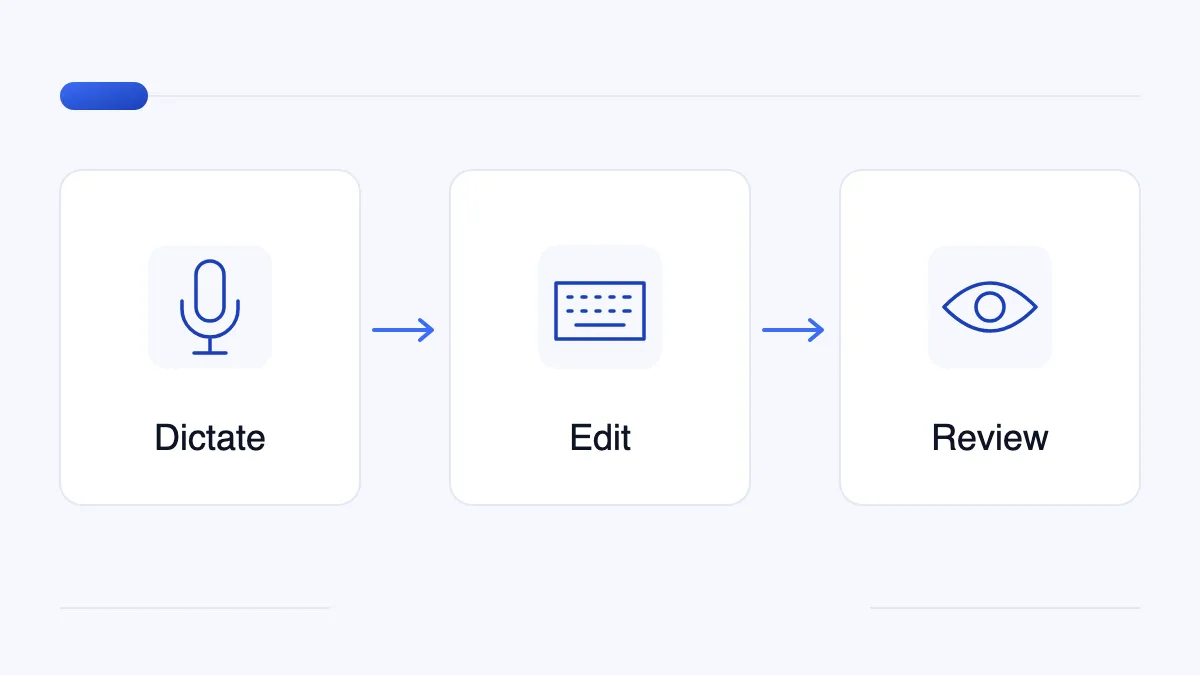
Choose a harmless paragraph you want to write. Try one version by keyboard and a separate version by dictation. Review both to the point where you would be willing to use them. If you choose to time the exercise, include your corrections and final review. Record your own observations without turning one exercise into a general claim about either method.
Try a second exercise with a rough outline rather than a fixed passage. Keep the same intended reader and purpose for both versions. Look at the draft you would actually keep, not only the first text on screen. Use the exercise to decide when you want to dictate and when you want to keep your hands on the keyboard.
Choose a workflow within the limits
Secretary42 does not offer AI rewriting or editing. It can paste text at your cursor or route it to the clipboard or a file, and it keeps local history that you can view, copy or delete. Set aside a review step of your own. For a first exercise, choose the destination before speaking and check the text there afterwards.
You need macOS 13 or later on Apple Silicon, or Windows 10 or 11 on x64 with AVX2. Offline dictation requires activation and a downloaded model; activation, downloads and updates need internet access. Check these requirements before your exercise so that you can focus the comparison on the writing you actually want to do.
Make your own writing decision
Read the Whisper dictation guide for the model trade-off and the Mac dictation guide or Windows dictation guide for your platform. Try a short passage, edit it and decide where voice belongs in your own process.
Try Secretary42 on your Mac or Windows PC
Secretary42 transcribes your speech on your own device with local Whisper models — no cloud transcription. It runs on macOS 13 or later (Apple Silicon) and Windows 10 or 11 (x64 with AVX2).
€9.99 per month or €99.99 per year. Prices include VAT for EU customers; Paddle shows the final amount before you pay. One subscription covers macOS and Windows, on up to three of your own devices.