
Dictating in shared spaces: offices, home, cafés
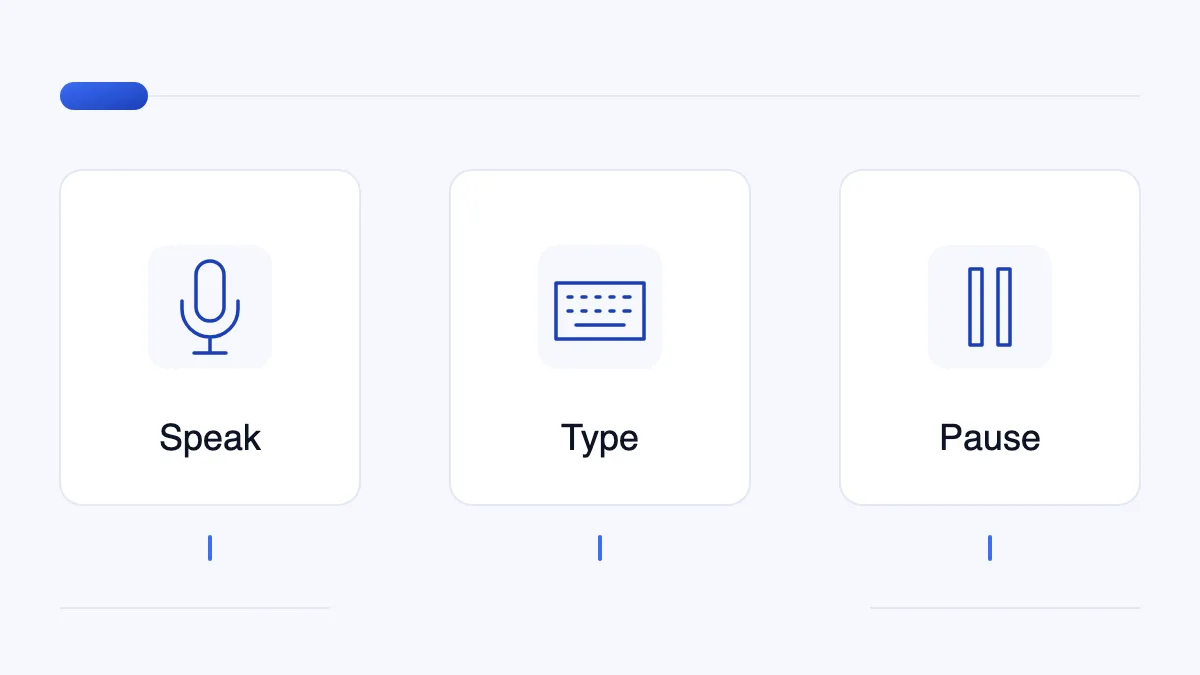
Before dictating in an office, at home or in a café, decide whether you want to speak there at all. Try a short, harmless passage only if the setting suits you and the people around you. Secretary42 starts recording when you start dictation with your hotkey; there is no always-on listening. Make the choice about speaking before using that control, and keep a keyboard session as another option for the writing you want to do.
Choose the moment and the material
Mind the people around you and speak quietly. Keep private names and details out of your first exercise. Choose a brief outline or a paragraph of your own notes rather than trying to dictate everything you have planned. If speaking does not suit the space, type the passage or save dictation for another time. Make that decision before beginning the recording.
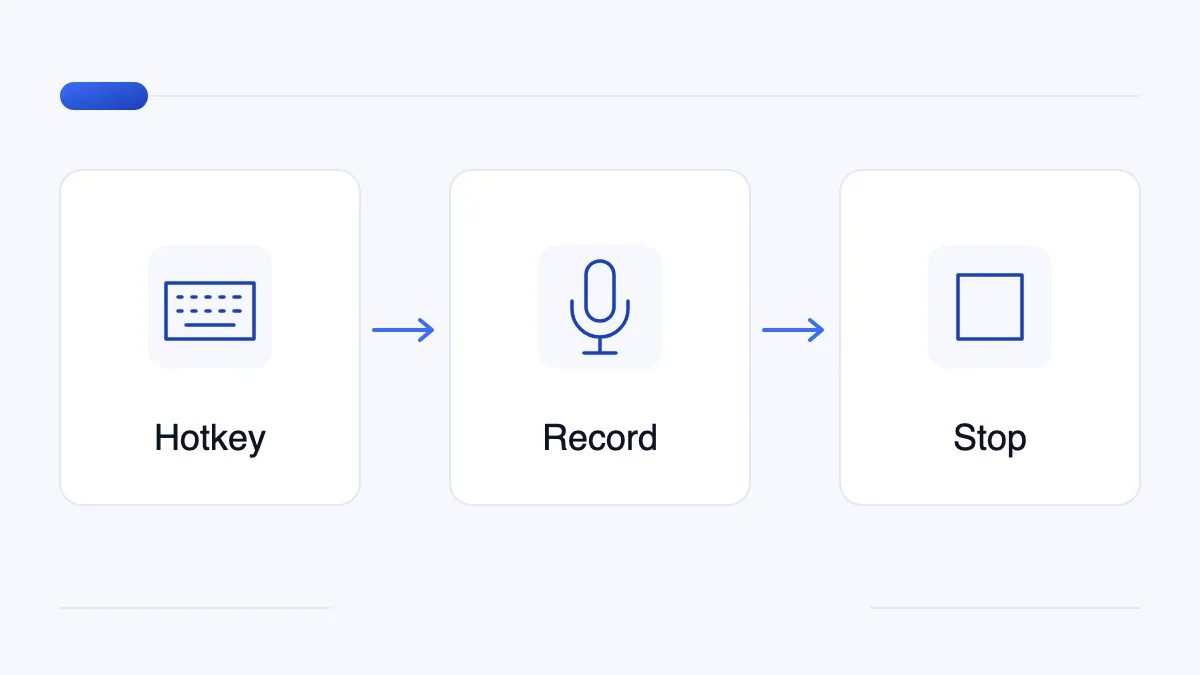
Secretary42 does not provide meeting recording, always-on listening or reminders. Keep the exercise about your own dictated words, and use the hotkey to stop when you have finished the passage. Read the result before starting another one. Do not build your shared-space routine around a meeting-recording feature or an automatic reminder that the product does not offer.
Make a small test on your own setup
Use a short passage with the computer, model and destination you intend to use. Review the text before deciding to continue. Secretary42 does not offer AI rewriting or editing, so correct the words yourself and choose what to keep. Do not turn one exercise into a promise about every future draft or every setting in which you might speak.
For English, Small is the recommended default. For German and other languages, use Medium or Large v3; Tiny, Base and Small are English-only. Larger models need more disk space and processing time. Choose a suitable model in advance, and judge your own short passage rather than selecting only by the size of the download.
Separate local processing from your choices
Audio and transcript text are processed on your device with the bundled whisper.cpp engine. Secretary42 has no cloud transcription fallback. Decide separately what you want to say in the space you are using. Leave out material you have not chosen to dictate there, and postpone any passage you would rather work on somewhere else.
The app can paste at your cursor or route text to the clipboard or a file. If you put it into a cloud app, that app sends it like any typed text. Choose the destination before speaking and inspect the result there. For professional or confidential use, consider the absence of a B2B contract or data-processing agreement against your requirements.
Prepare before relying on the session
Secretary42 supports macOS 13 or later on Apple Silicon, and Windows 10 or 11 on x64 with AVX2. It needs microphone access and, on macOS, Accessibility access for pasting. Check the requirements on the device you intend to use. Rehearse starting, stopping and reviewing a harmless passage before choosing a longer writing task.
Offline dictation requires activation and a downloaded model; activation, model downloads and updates need internet access. Prepare those steps before an offline session. Past transcriptions are kept locally in SQLite, where you can view, copy or delete them. At the end of your exercise, review the corresponding history entry and decide whether you want to retain it.
Choose the session deliberately
Read the offline dictation guide for preparation and the Privacy Notice for the product boundaries. Choose a considerate moment, try one harmless paragraph and decide whether to continue speaking or switch to the keyboard after reviewing the result.
Try Secretary42 on your Mac or Windows PC
Secretary42 transcribes your speech on your own device with local Whisper models — no cloud transcription. It runs on macOS 13 or later (Apple Silicon) and Windows 10 or 11 (x64 with AVX2).
€9.99 per month or €99.99 per year. Prices include VAT for EU customers; Paddle shows the final amount before you pay. One subscription covers macOS and Windows, on up to three of your own devices.