When the cloud goes down: what still works
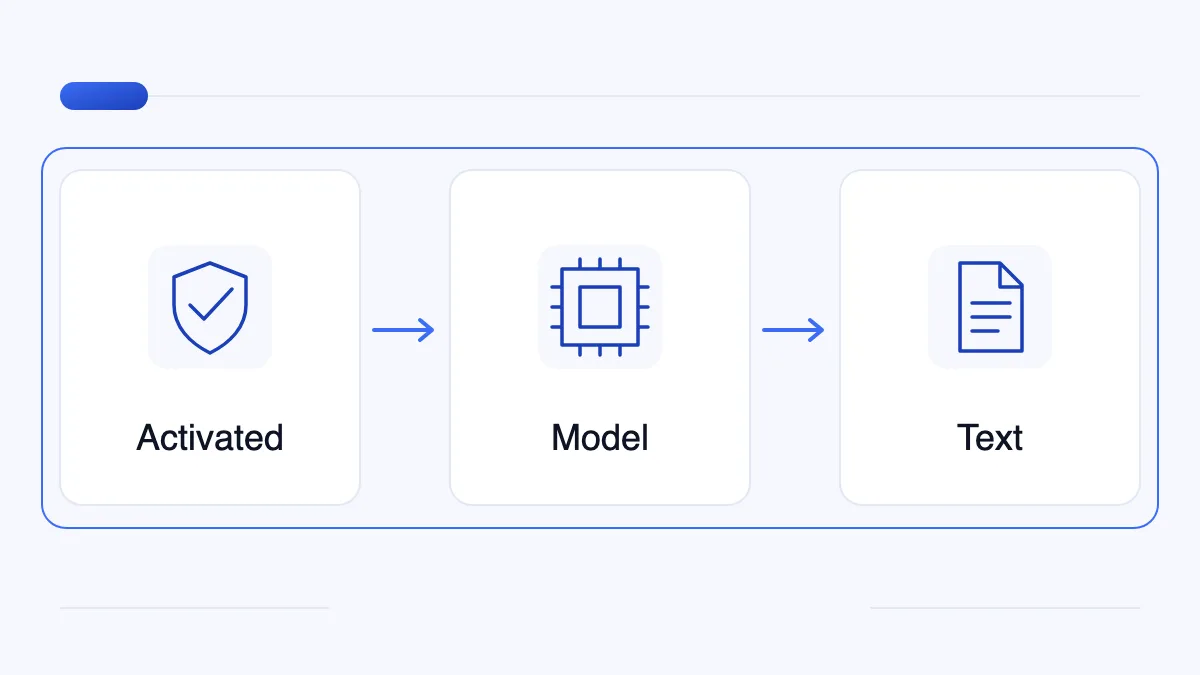
For an outage plan, start with the part of writing you want to keep doing. Secretary42 can transcribe offline once you have activated your license and downloaded a model. There is no cloud transcription fallback. Build a test around that specific promise: dictate a short passage, review it and choose where to keep the text. Include the destination app in the test rather than stopping as soon as words appear.
Two outages, two concrete causes
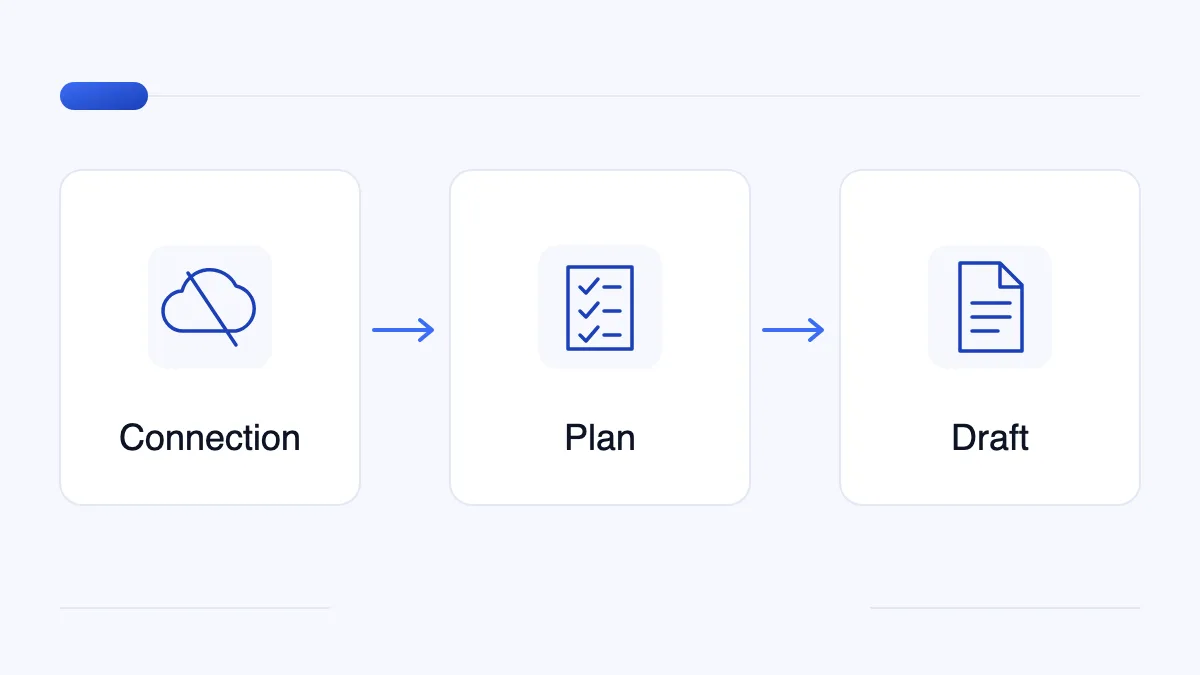
During a regional cloud outage on 19–20 October 2025, a latent race condition in database DNS management produced an empty record for a regional endpoint. Knock-on effects reached load balancers. The impact ran from about 11:49 PM PDT on 19 October to 3:01 PM PDT on 20 October, roughly fifteen hours. Keep those dates and that specific cause attached to this example.
A network-service outage on 18 November 2025 followed a database permissions change that produced an oversized bot-management configuration file exceeding a proxy limit. It was not an attack. Core impact lasted from about 11:20 to 14:30 UTC, with full restoration around 17:06 UTC. Use these two incidents as prompts for your own preparation, without treating them as a forecast of the next interruption.
Prepare what cannot be fetched offline
Checkout, license delivery and activation, periodic license checks, model downloads and updates need an internet connection. Complete activation and download your chosen model before the session you want to protect. Try dictating with that model while you still have a chance to change your setup. Do not leave your first model download on the list of things to do during an outage.
For English, Small is the recommended default. For German and other languages, choose Medium or Large v3; Tiny, Base and Small are English-only. Larger models need more disk space and processing time. Pick the language and model in advance, then try a passage similar to the one you expect to write when the connection is unavailable.
Test the work you intend to continue
Secretary42 starts and stops dictation with a customizable global hotkey. The bundled whisper.cpp engine processes audio and transcript text locally. You can paste the result at your cursor or route it to the clipboard or a file. For your rehearsal, choose one destination and carry the test through to reviewing the resulting passage there.
A license check that cannot reach the service does not stop you working; your license stays valid for its remaining period. Keep that limit explicit in your plan. Prepare within your current license period, and check activation before relying on an offline session. Treat later purchases, downloads and updates as separate tasks for a connected session.
Separate transcription from the next step
If you paste the transcript into a cloud app, that app sends the text like any typed text. Secretary42 also keeps past transcriptions in local SQLite history, where you can view, copy or delete them. Consider a file destination for your rehearsal, and review the history entry before deciding what you want to retain or move elsewhere.
Check that your computer meets the requirements: macOS 13 or later on Apple Silicon, or Windows 10 or 11 on x64 with AVX2. For professional or confidential work, also consider that Secretary42 offers no B2B contract or data-processing agreement. Decide whether those limits meet your requirements before making the app part of your work plan.
Rehearse a small session
Use the offline dictation guide for preparation and the Whisper dictation guide for model choices. Rehearse one short draft with your chosen destination. Review what worked, then prepare the exact setup you want to use for your next offline session.
Try Secretary42 on your Mac or Windows PC
Secretary42 transcribes your speech on your own device with local Whisper models — no cloud transcription. It runs on macOS 13 or later (Apple Silicon) and Windows 10 or 11 (x64 with AVX2).
€9.99 per month or €99.99 per year. Prices include VAT for EU customers; Paddle shows the final amount before you pay. One subscription covers macOS and Windows, on up to three of your own devices.