Local first: why on-device transcription matters
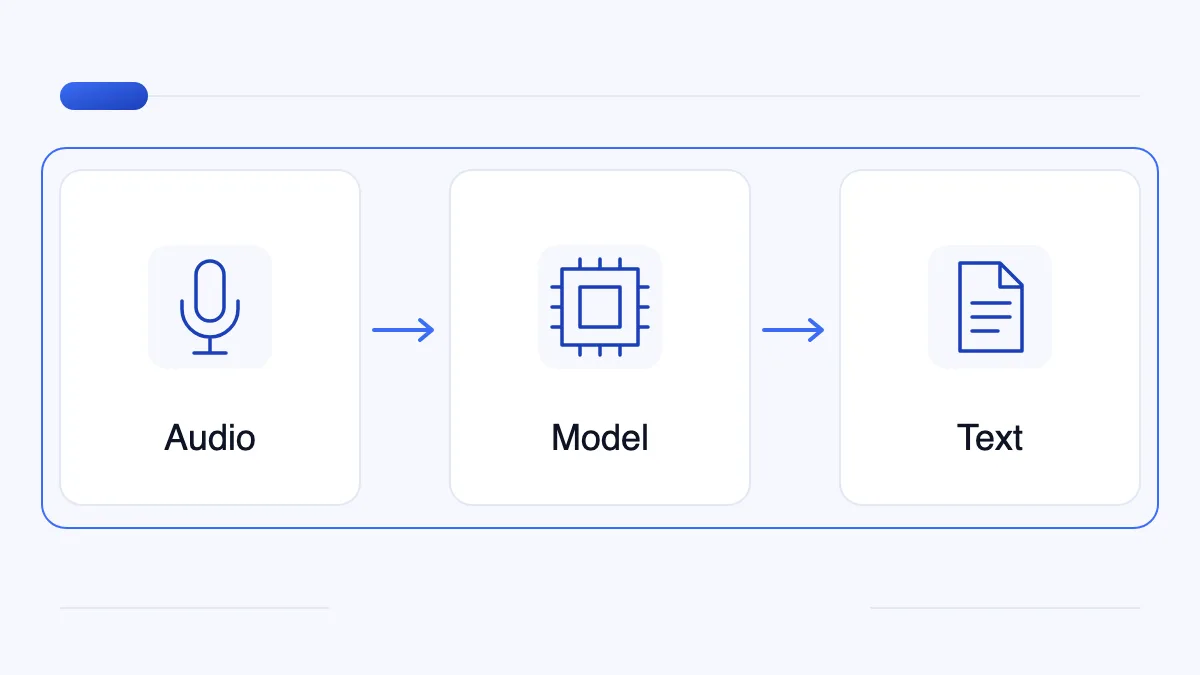
Start with one concrete question about local dictation: where does speech become text? In Secretary42, the bundled whisper.cpp engine performs that work on your device with quantized Whisper models. There is no cloud transcription fallback. When choosing your setup, examine that processing step, the model you will use and the computer that will run it. Then try a short passage of your own writing before settling on a routine.
Put the engine and model together
Secretary42 ships with its transcription engine and FFmpeg; you do not need a separate Python or FFmpeg installation. Whisper models download on demand and are stored locally. You can download, select and remove them in the control panel. Begin by choosing a model for the language you intend to dictate, then prepare it before an offline session.
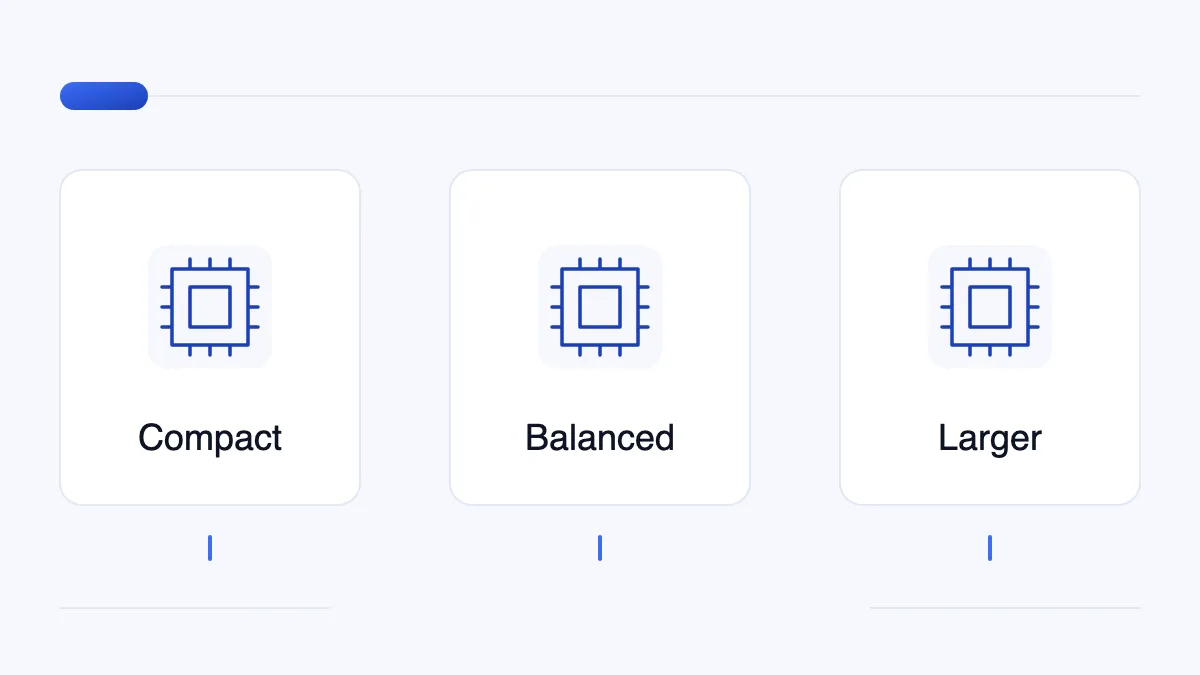
For English, Small is the recommended default for a balance of speed and quality. Tiny, Base and Small are English-only. For German and other languages, choose Medium or Large v3, the multilingual options. Do not choose a model solely by its download size; include the language requirement in your first decision.
Give the device a place in your decision
Larger models need more disk space and processing time. The approximate downloads range from 31 MB for Tiny to 1.1 GB for Large v3. Medium is about 515 MB, while Small is about 182 MB. Use those figures to plan your download and storage, without treating them as a prediction of how long your own passage will take.
Secretary42 supports macOS 13 Ventura or later on Apple Silicon and Windows 10 or 11 on x64 PCs with AVX2-capable processors. It does not run on Intel Macs or Windows PCs without AVX2. Check the actual computer you intend to use before making a model choice or preparing a writing session.
Prepare once, then try an offline passage
Dictation works offline after you have downloaded a model and activated your license. Activation, model downloads and updates need an internet connection, as do checkout, license delivery and periodic license checks. A license check that cannot reach the service does not stop your work; the license remains valid for its remaining period. Plan your preparation around those specific requirements.
After setup, try a harmless paragraph with your connection unavailable. Start and stop dictation with the global hotkey. Review the resulting words in your chosen destination. Repeat with a passage you actually expect to write, and judge the result yourself. Keep the test focused on transcription rather than expecting a rewritten or polished version of your draft.
Decide what comes after transcription
Secretary42 can paste at your cursor or route text to the clipboard or a file. Past transcriptions are stored locally in SQLite, where you can view, copy or delete them. Choose a destination for the test and review the history entry afterwards. Treat both choices as part of setting up your own working routine.
If you put the result into a cloud app, that app sends it like any typed text. Secretary42 does not offer AI rewriting or editing, and it offers no B2B contract or data-processing agreement. For professional or confidential material, compare these limits with your requirements before using your own documents in a test.
Choose your next step
Use the Whisper dictation guide to consider model choices. Check the download page for your platform, then prepare activation and a model before trying offline writing. Review the transcript and decide whether this local workflow suits the work you want to do. Keep a short note of the model you selected, the destination you used and the corrections you chose to make. Return to that note before preparing your next session.
Try Secretary42 on your Mac or Windows PC
Secretary42 transcribes your speech on your own device with local Whisper models — no cloud transcription. It runs on macOS 13 or later (Apple Silicon) and Windows 10 or 11 (x64 with AVX2).
€9.99 per month or €99.99 per year. Prices include VAT for EU customers; Paddle shows the final amount before you pay. One subscription covers macOS and Windows, on up to three of your own devices.