Data sovereignty: who can reach your words?
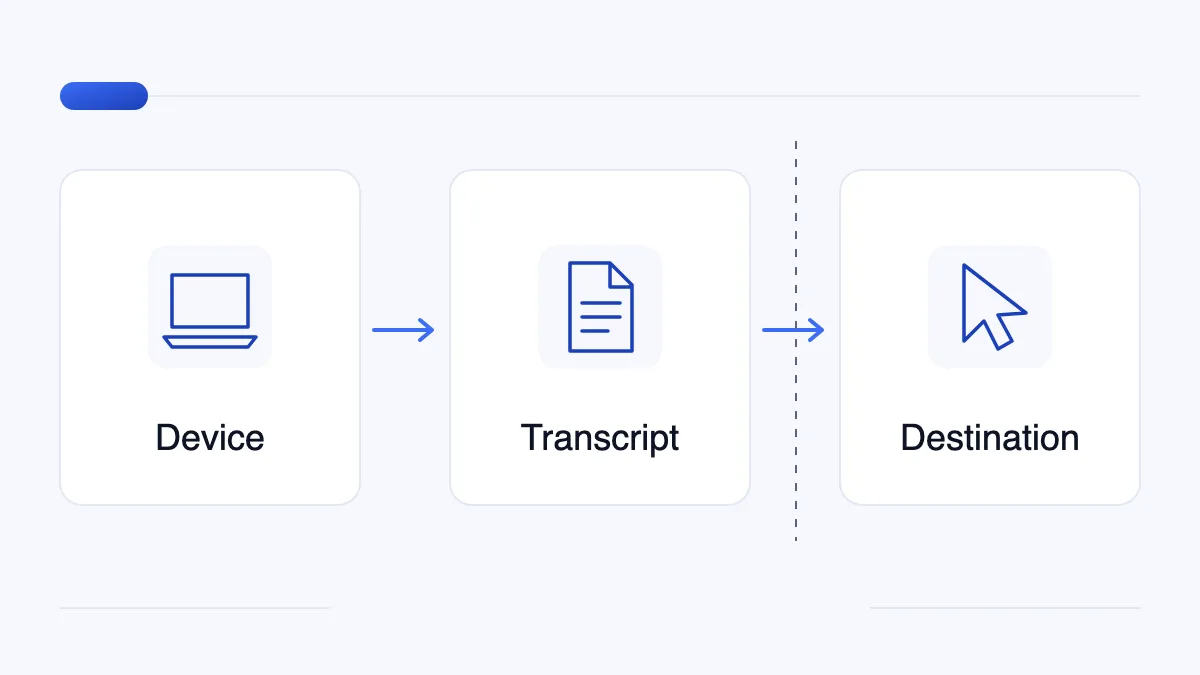
For a decision about your words, ask where transcription happens and what provider holds the material. Secretary42 processes audio and transcript text on your device, without cloud transcription or a cloud fallback. Consider that architecture alongside the legal frameworks for international transfers. The EU–US Data Privacy Framework remains in force. The practical choice here is whether to depend on a transfer framework for the transcription step, rather than to assume US transfers are unlawful.
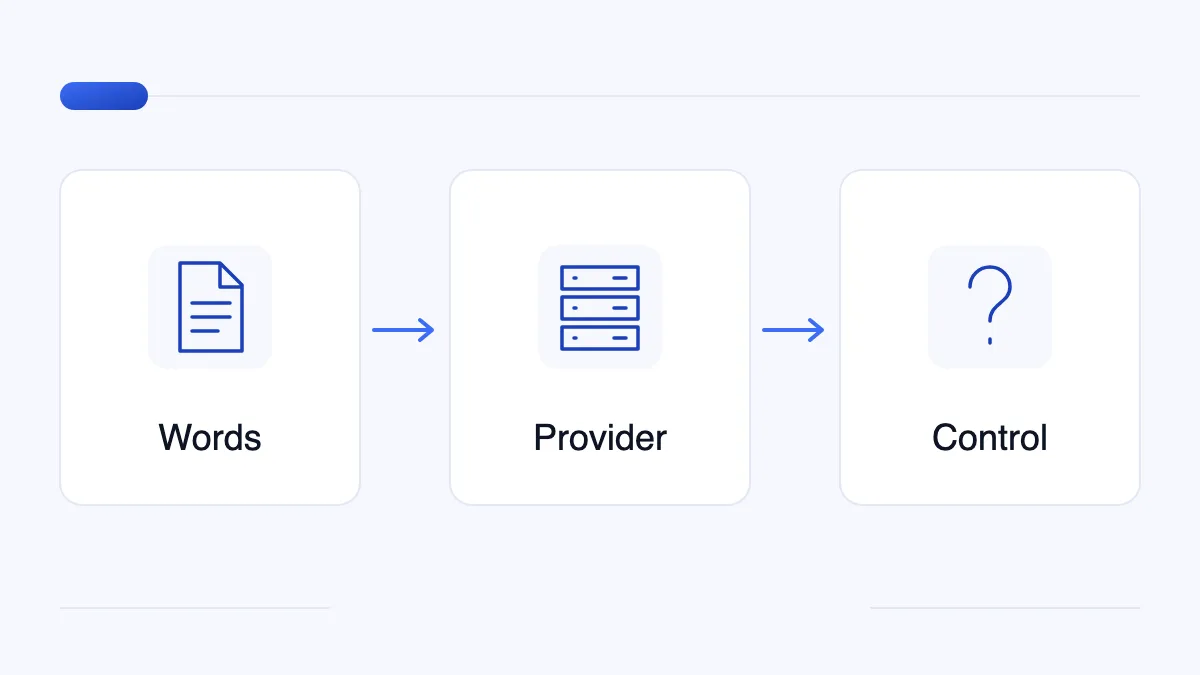
Ask about control as well as location
The US CLOUD Act of 2018 lets US authorities compel US-based providers to disclose data in their possession, custody or control, including data stored outside the United States. When reviewing a proposed workflow, ask about the provider and the material under its control as well as the location named for storage.
Secretary42 itself does not send your dictation anywhere, but a cloud app receiving your pasted text sends it like any typed text. Review each destination you intend to use. Do not extend the local transcription promise to the app in which you later write, share or store the result. Include that destination in your own assessment.
Read the transfer history with its current position
In Schrems II, decided on 16 July 2020, the Court of Justice of the EU invalidated the EU–US Privacy Shield because US surveillance law did not provide protection essentially equivalent to EU law. Standard contractual clauses remained valid but may require supplementary measures. Keep that decision distinct from the status of the later framework.
The European Commission adopted the EU–US Data Privacy Framework adequacy decision on 10 July 2023, based on Executive Order 14086. On 3 September 2025, the General Court dismissed the action against that decision in case T-553/23. The framework remains in force; an appeal to the Court of Justice is possible.
Use minimisation as a question for your draft
GDPR Article 5(1)(c) requires personal data to be adequate, relevant and limited to what is necessary. Use that wording as a prompt when deciding what to dictate: which details belong in this particular text? Leave out unnecessary names in your practice passage and review what you plan to paste before moving it into another app.
For the transcription step, Secretary42 keeps audio and transcript processing on the device. Its local history can be viewed, copied or deleted. Choose a retention routine as well as a destination for the finished draft. Review the actual history entry after a test, and decide what you want to keep before moving on to the next piece of writing.
Keep the decision within the product limits
Secretary42 offers no B2B contract or data-processing agreement. For professional or confidential use, compare that limit with your own requirements. Do not treat a choice of transcription architecture as a legal conclusion about your entire workflow. Include the receiving app, the intended use and your retention decision in the review before using real material.
Activation, model downloads and updates need internet access. Offline dictation requires an activated license and a downloaded model. Check the hardware too: Apple Silicon with macOS 13 or later, or Windows 10 or 11 on x64 with AVX2. Keep these practical requirements beside your questions about control when deciding whether to use the app.
Review the complete route
Read the Privacy Notice and the offline dictation guide. Use them to review transcription, the text destination and local retention together. Make the decision against your own requirements before dictating confidential work. List the transcription step, your intended destination and your decision about history separately. Check each against your requirements, and leave any unresolved use of confidential material out of the first exercise.
Try Secretary42 on your Mac or Windows PC
Secretary42 transcribes your speech on your own device with local Whisper models — no cloud transcription. It runs on macOS 13 or later (Apple Silicon) and Windows 10 or 11 (x64 with AVX2).
€9.99 per month or €99.99 per year. Prices include VAT for EU customers; Paddle shows the final amount before you pay. One subscription covers macOS and Windows, on up to three of your own devices.